
Modem vs Router: What’s the Difference? (And Do You Need Both?)
A modem connects your home to your internet provider; a router shares that connection over Wi-Fi. Here is what each one does, when you need both, and whether to rent or buy.
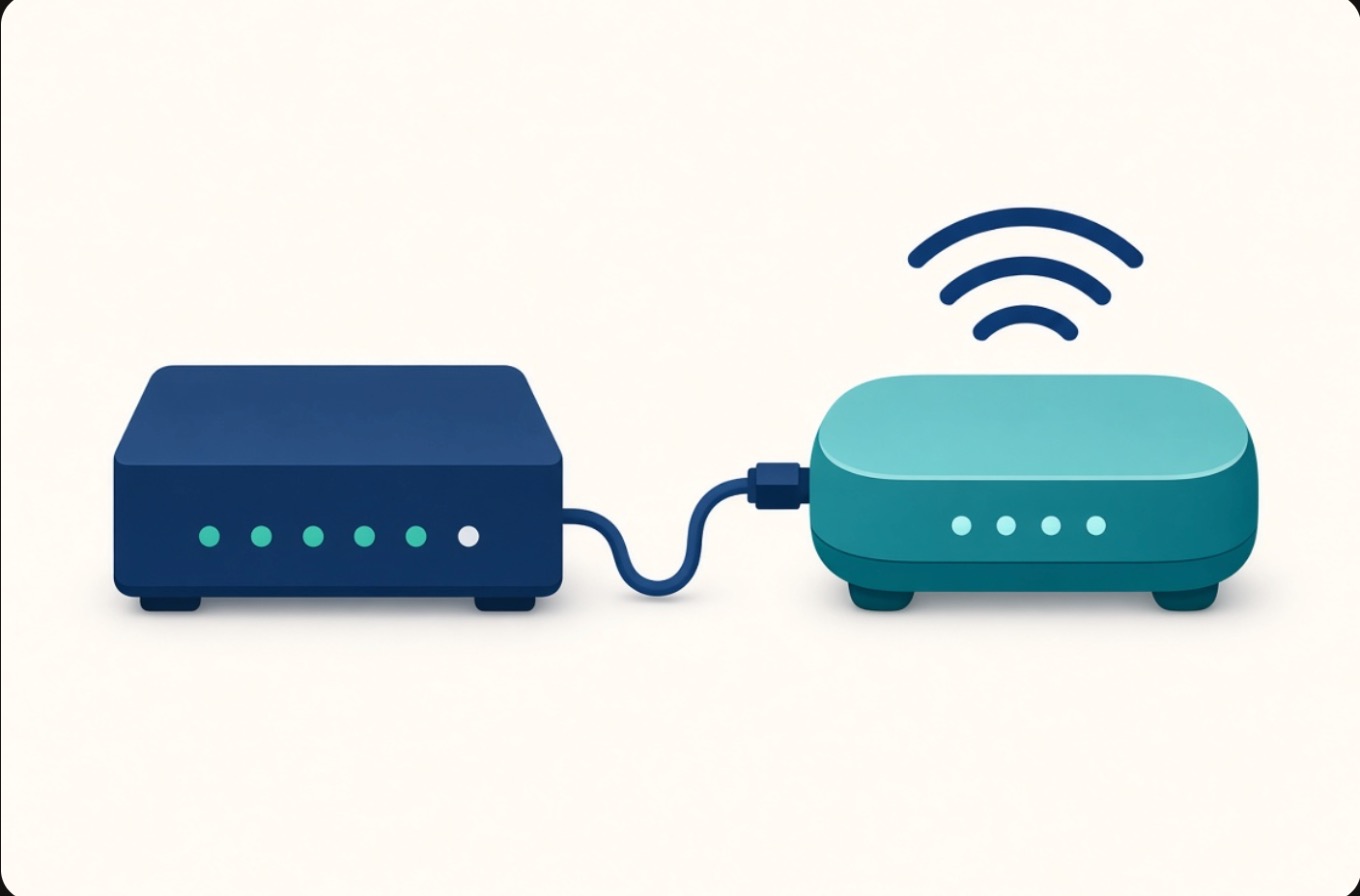
Plenty of people use "modem" and "router" to mean the same box. They are two different jobs, and knowing which does what makes it much easier to fix a dead connection, decide whether to rent or buy, and understand what your provider actually installed.
Here is the short version: the modem brings the internet into your home, and the router shares it with your devices. Most homes need both. Many providers now combine them into one unit.
What a modem does
A modem is the device that connects your home to your internet provider's network. It translates the signal coming in over the line (a coaxial cable, a fiber line, or a phone line) into data your home equipment can use, and sends your data back out the same way.
A few things to know about modems:
- A modem has to match your connection type. A cable modem will not work on a fiber or DSL line, and vice versa.
- On its own, a modem usually gives internet to one device at a time over a single Ethernet port. It does not create Wi-Fi.
- Your provider has to recognize the modem on their network, which is why a modem swap sometimes needs a quick call to activate.
What a router does
A router takes the single connection from the modem and shares it with everything in your home: phones, laptops, TVs, game consoles, smart speakers, and so on. It also creates your Wi-Fi network, assigns each device a local address, and acts as a basic firewall between your devices and the open internet.
If the modem is the on-ramp to the highway, the router is the set of streets that gets traffic to each house.
A router is where most of the features people care about live: Wi-Fi speed and range, the number of devices it can handle at once, guest networks, parental controls, and settings like a network name and password.
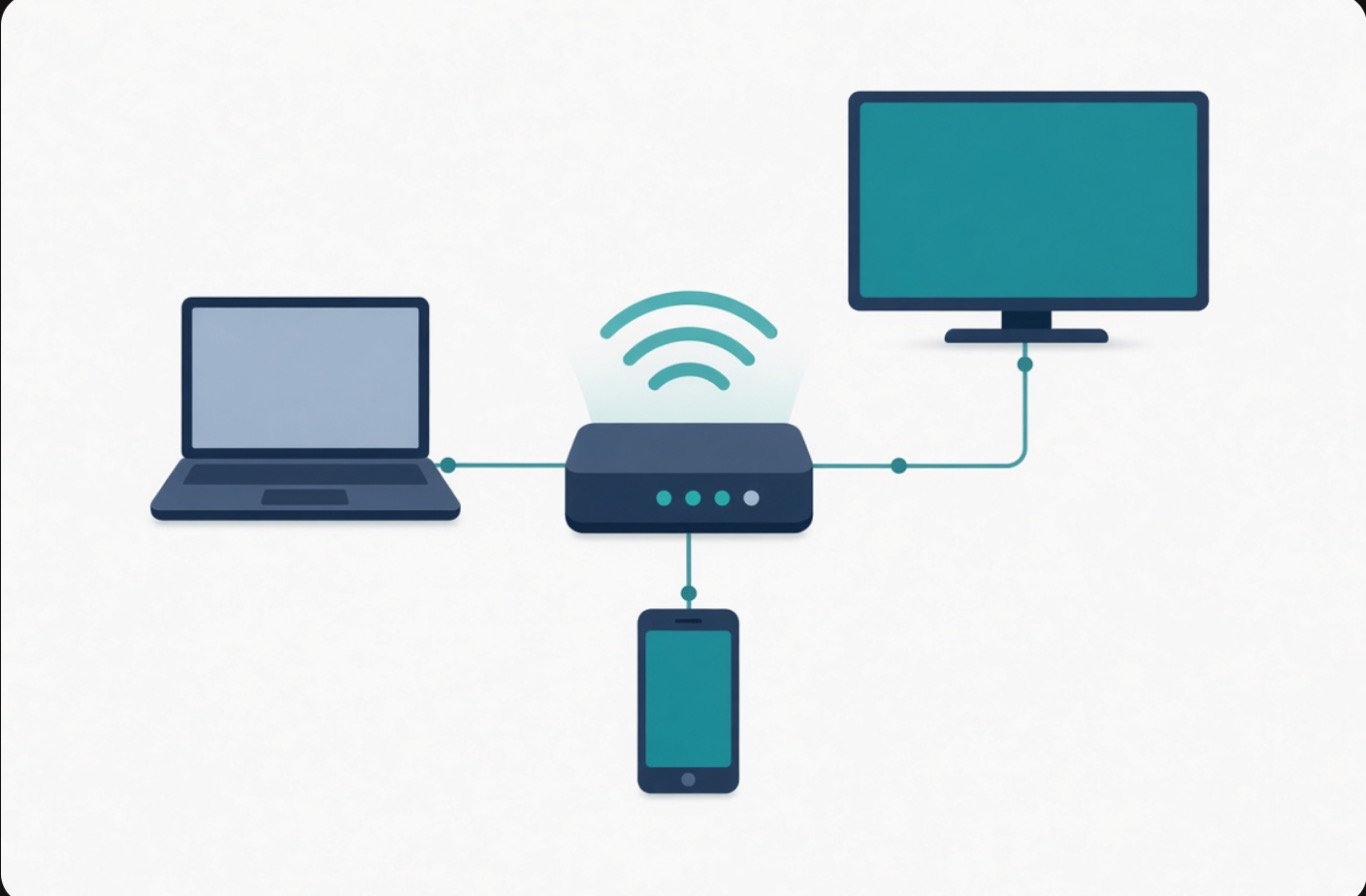 One router shares a single internet connection with every device in your home.
Modem vs router: the quick version
| Modem | Router | |
|---|---|---|
| Main job | Connects your home to the provider | Shares that connection with your devices |
| Creates Wi-Fi? | No | Yes |
| Tied to connection type? | Yes (cable, fiber, DSL) | No |
| Devices it serves directly | Usually one | Many |
| Who activates it | Your provider | You |
Do you need both?
In most homes, yes. The modem gets you connected, and the router shares that connection over Wi-Fi and Ethernet. A router with no modem has nothing to share, and a modem with no router feeds only one wired device with no Wi-Fi.
There are a couple of exceptions. Fixed wireless and 5G home internet often use a single all-in-one unit that handles both jobs, because the "modem" part is really a cellular receiver built into the same box. Fiber service uses an optical network terminal (ONT) in place of a traditional modem, and that ONT then connects to a router or gateway.
What about a gateway (the all-in-one box)?
A gateway, sometimes called a modem-router combo, is a single device that does both jobs. Most providers hand these out now because one box is simpler to install and support.
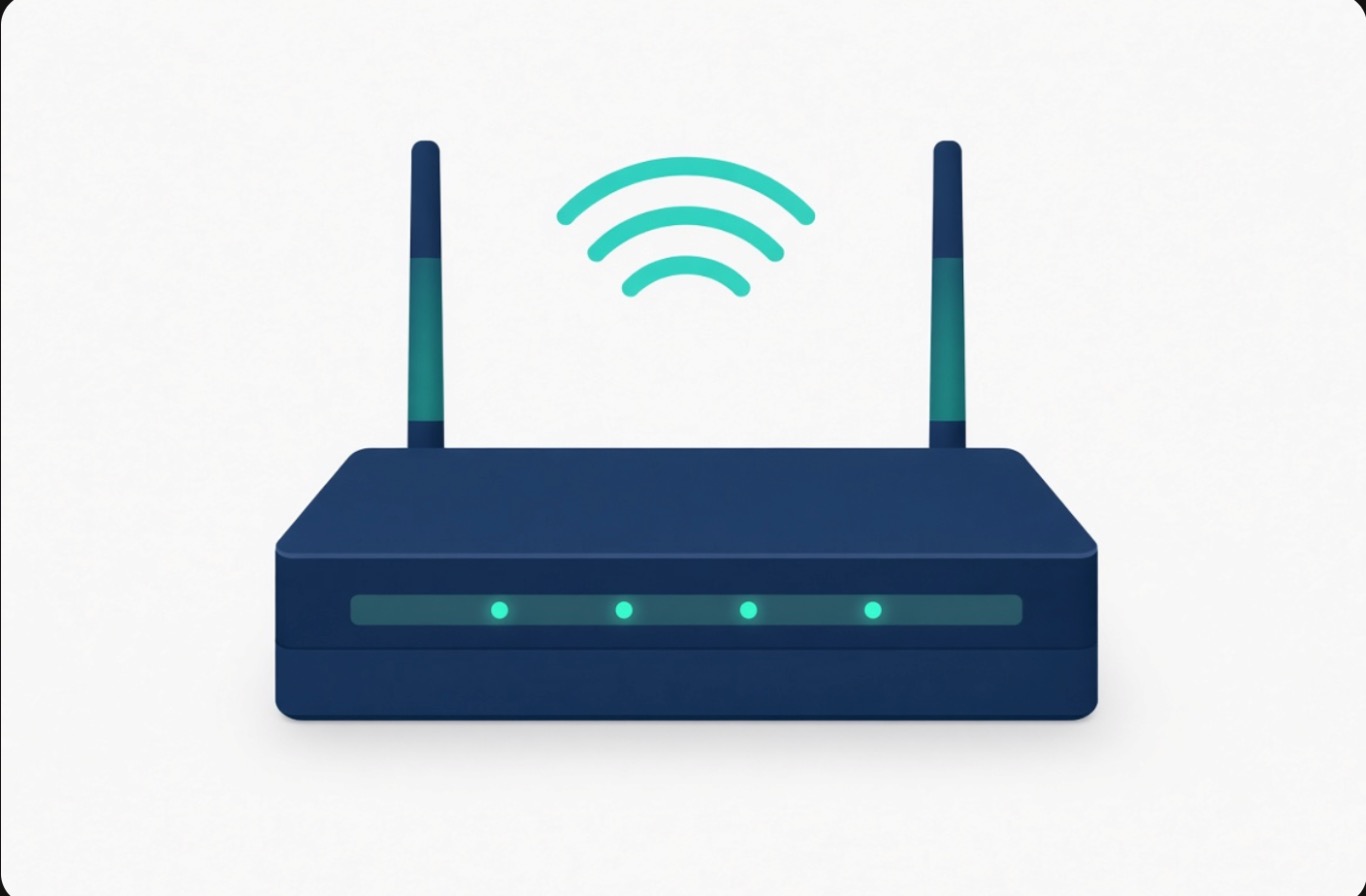 A gateway combines the modem and the router in one unit.
The trade-off is flexibility. A combo unit is convenient, but a separate modem and router let you upgrade the Wi-Fi side on its own and often give you more control over the network. Neither choice is wrong. It comes down to whether you value simplicity or control.
How to tell which device you have
Look at the box your internet comes through:
- One device with antennas or built-in Wi-Fi, usually leased from your provider, is almost certainly a gateway (modem and router in one).
- Two separate boxes connected by a short Ethernet cable means you have a standalone modem and a standalone router.
- A small box labeled ONT, often on a wall or in a closet, points to fiber service.
The model name printed on the label, searched online, will usually tell you exactly what it is.
Rent or buy?
Providers typically rent equipment for a monthly fee, and that fee adds up over a year or two. Buying your own compatible modem and router can pay for itself, and you often get better Wi-Fi than the default rental.
Two cautions before you buy. First, the equipment has to be on your provider's approved list for your plan and speed. Second, buying your own usually means you handle setup and support yourself. If you would rather keep one bill and one place to call, renting is the simpler path.
Still not working?
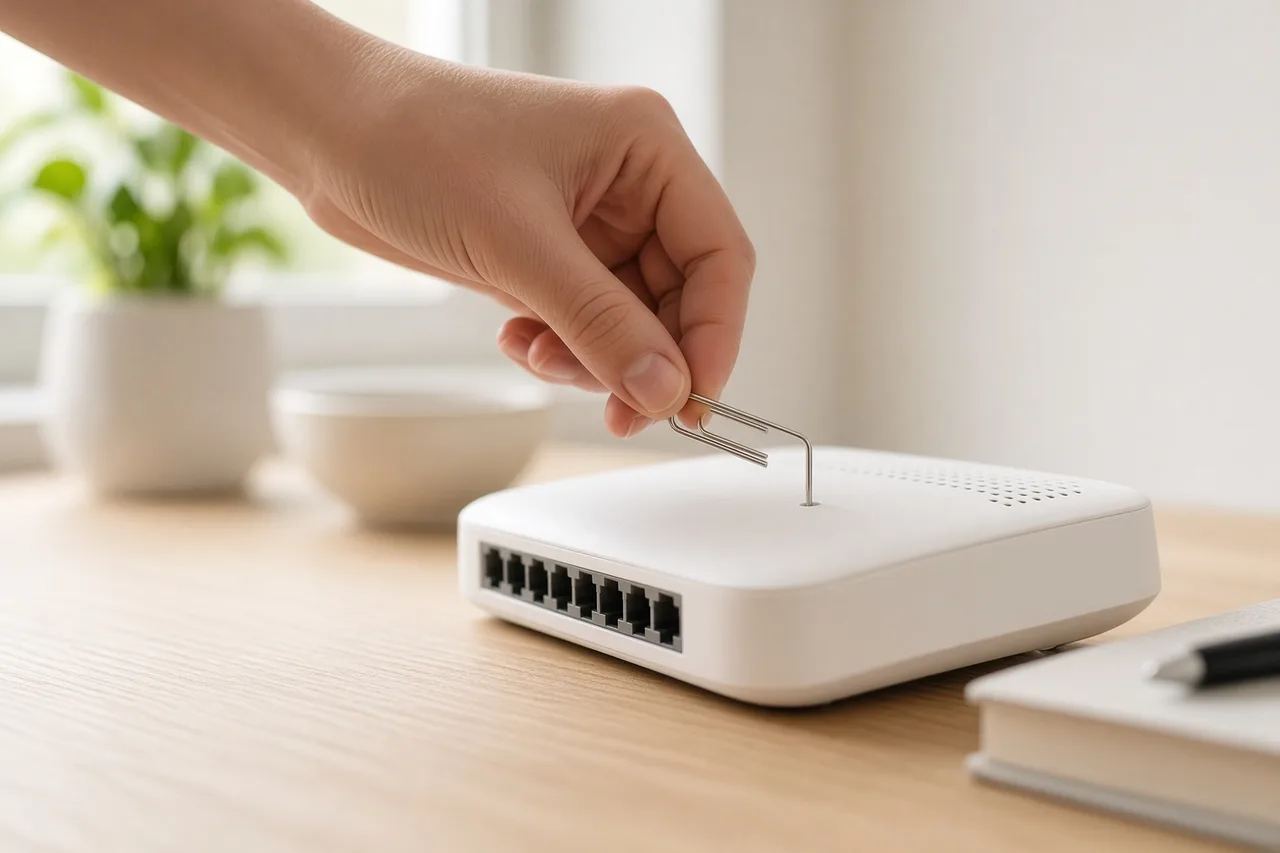
If your internet is down, the device you restart matters. When the modem and router are separate, reboot the modem first, wait for its lights to settle, then reboot the router. Our walkthrough on how to reset your router covers the safe way to do a soft reset versus a factory reset.
If the connection is up but slow, the fix is usually on the router or Wi-Fi side rather than the modem. The steps in why your internet is slow and how to fix it walk through the common causes.
And if your equipment is aging, or you are not sure which plan or technology actually fits your home, we can help you compare what is available at your address. Call (888) 428-0573 and we will walk through the options with you. We are an independent authorized sales agent, so we can compare plans across the providers we work with and order new service by phone.
Frequently asked questions
Do I need both a modem and a router?
In most homes, yes. The modem connects your home to your internet provider, and the router shares that connection over Wi-Fi and Ethernet. Exceptions are 5G home and fixed wireless, which often use one all-in-one unit, and fiber, which uses an ONT in place of a traditional modem.
Is a modem-router combo (gateway) good enough?
For most households, yes. A gateway does both jobs in one box and is simpler to install and support. Separate devices give you more control and let you upgrade the Wi-Fi side on its own, which power users and larger homes may prefer.
Can I use my own equipment instead of renting from my provider?
Often yes, and it can save the monthly rental fee. The modem has to be on your provider’s approved list for your plan and speed, and buying your own usually means you handle setup and support yourself.
Which should I restart when the internet goes down?
If the modem and router are separate devices, reboot the modem first, wait until its lights are steady, then reboot the router. With an all-in-one gateway, you restart the single unit.
Will a new modem or router make my internet faster?
A better router can improve Wi-Fi speed and range inside your home, but no equipment can exceed the speed of the plan you pay for. Make sure any device you buy is compatible with your provider and your plan’s top speed.
See which providers serve your address
Enter your ZIP to compare real plans near you, or talk to a person — no obligation.